Cách khắc phục lỗi “Undoing changes made to your computer” trên Windows 10

Ưu đãi độc quyền FPT Telecom: Miễn phí lắp đặt 100%, tặng đến 2 tháng cước & trang bị Modem 2 băng tần Wifi 6 thế hệ mới khi đăng ký trong hôm nay.
0901.911.001

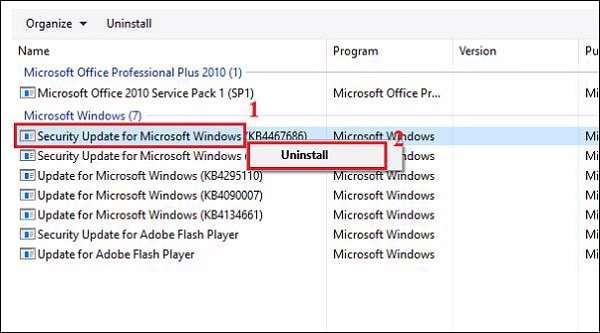
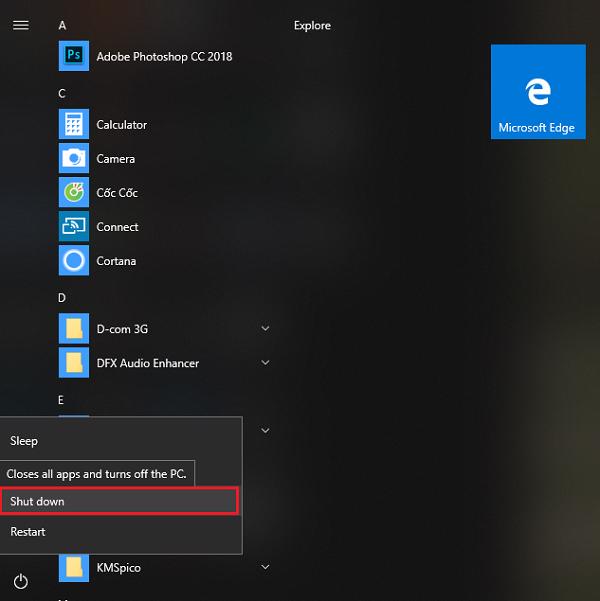
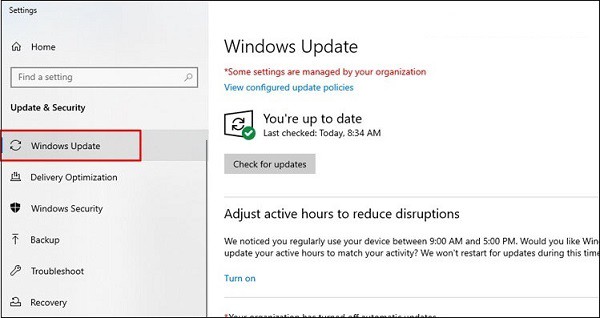
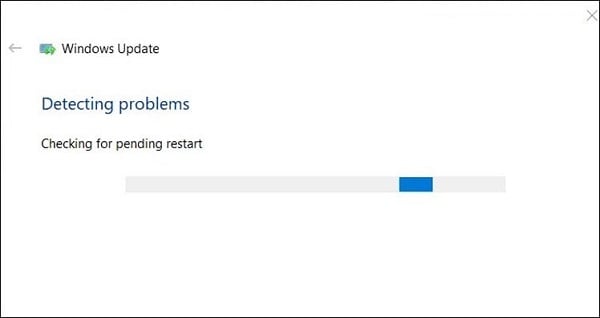
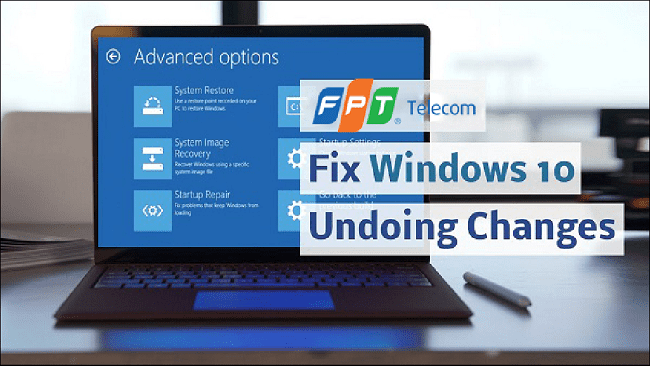
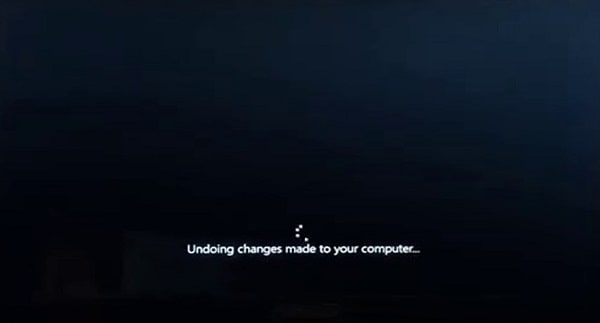
Khi cập nhật bản vá Windows Update, máy tính khởi động lại và xuất hiện thông báo: “Undoing changes made to your computer…” (Đang hoàn tác các thay đổi được thực hiện cho máy tính của bạn) kèm vòng tròn xoay mãi không vào được Windows. Lỗi này xảy ra khi bản cập nhật bị lỗi tải file, xung đột driver hoặc thiếu dung lượng ổ cứng. Dưới đây là cách khắc phục lỗi Undoing changes chi tiết.
cach-khac-phuc-loi-undoing-changes-made-to-your-computer-tren-windows-10

1. Khởi động vào chế độ Safe Mode (Chế độ an toàn)

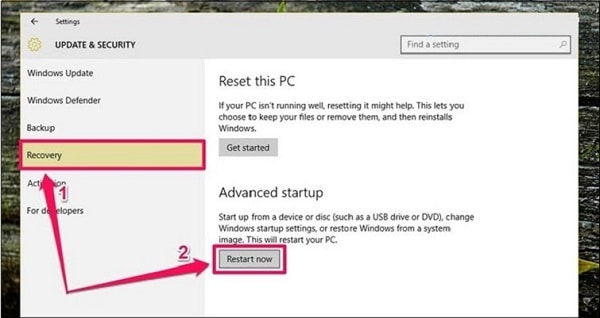
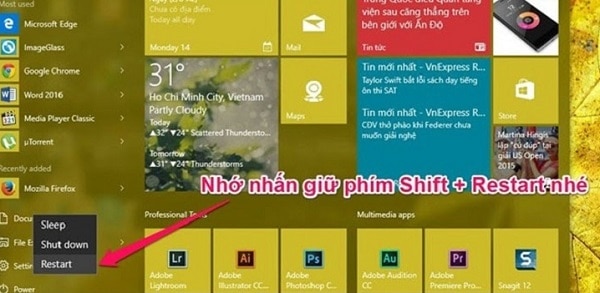
  1. Bật máy tính, khi thấy logo Windows xuất hiện thì nhấn giữ nút nguồn 5-10 giây để tắt cưỡng bức. Lặp lại 2-3 lần để Windows chuyển sang màn hình Automatic Repair.
  2. Chọn Advanced options > Troubleshoot > Advanced options > Startup Settings > bấm Restart.
  3. Nhấn phím số 4 (hoặc F4) để vào Enable Safe Mode.
cach-khac-phuc-loi-undoing-changes-made-to-your-computer-tren-windows-10 (1)

2. Xóa sạch thư mục chứa bản cập nhật lỗi SoftwareDistribution

Khi đã vào được Safe Mode hoặc Windows:

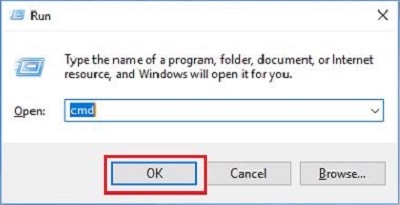
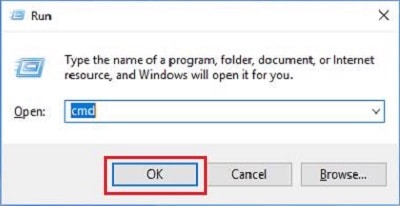
  1. Mở Command Prompt (cmd) với quyền Administrator.
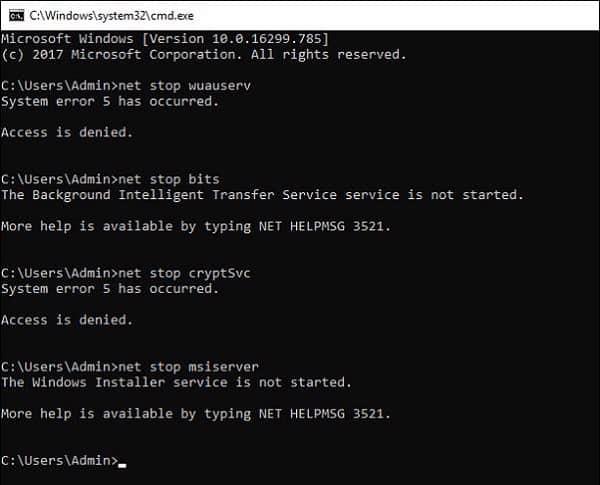
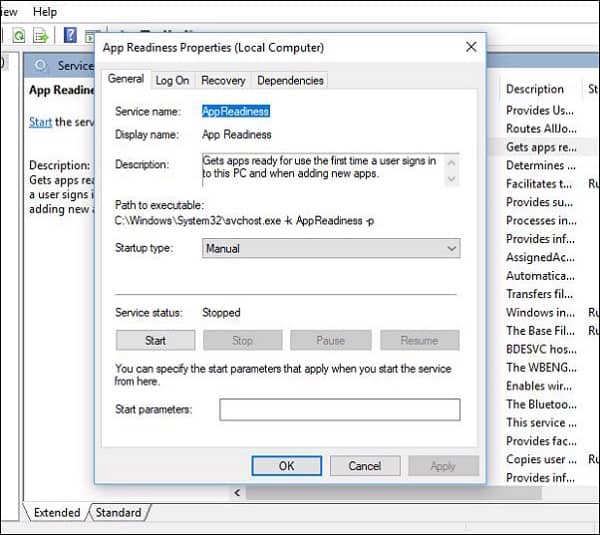
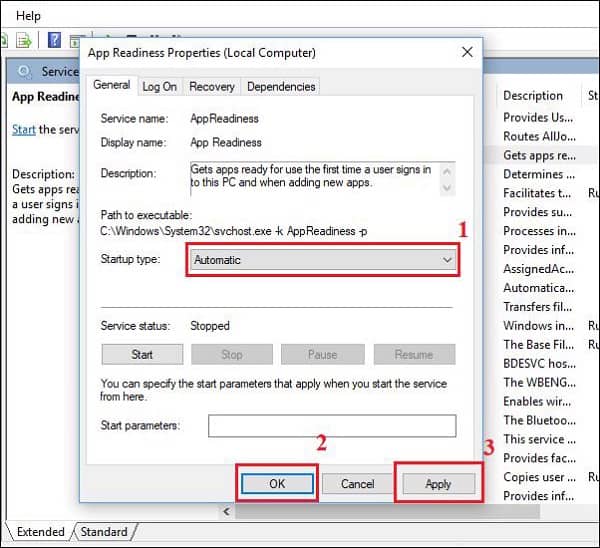
  2. Nhập các lệnh sau để tạm dừng dịch vụ update:
    net stop wuauserv
    net stop bits
    net stop cryptsvc
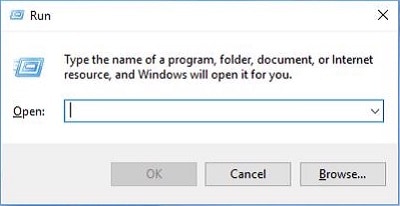
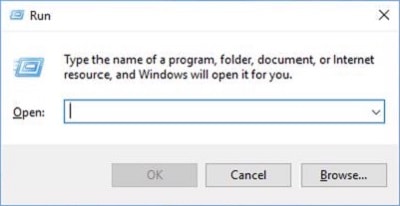
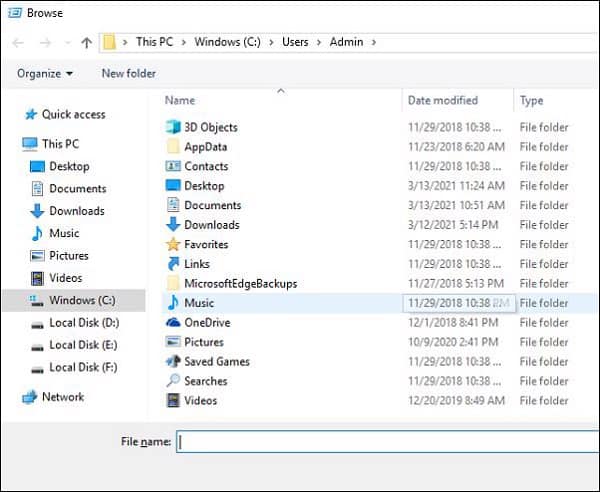
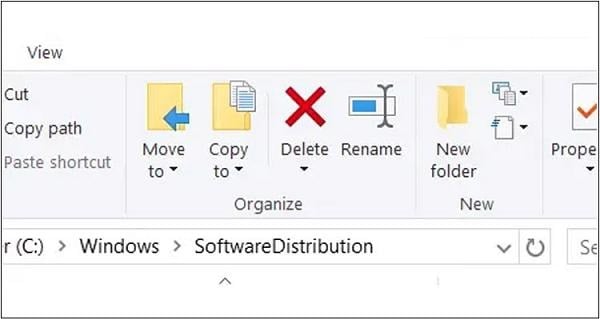
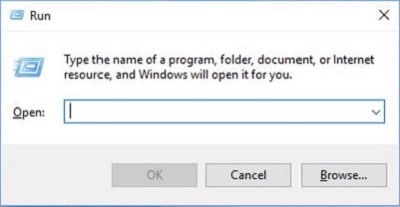
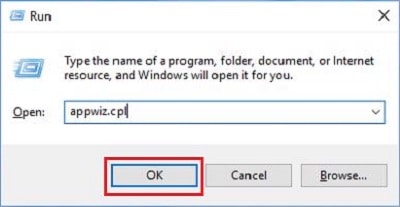
  3. Mở hộp thoại Run (Windows + R), dán đường dẫn: C:WindowsSoftwareDistribution và xóa toàn bộ file bên trong.
  4. Khởi động lại máy tính bình thường.

cach-khac-phuc-loi-undoing-changes-made-to-your-computer-tren-windows-10 (2)

3. Chạy công cụ sửa file hệ thống SFC và DISM

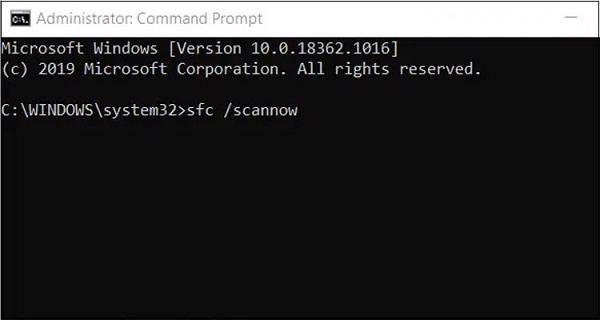
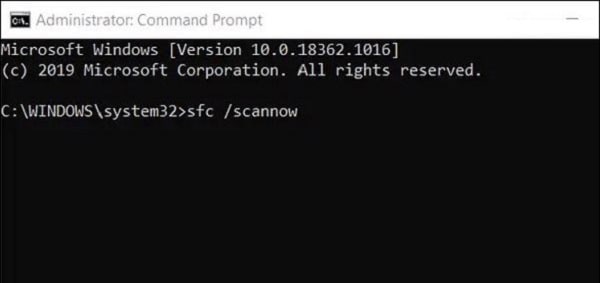
Mở cmd quyền admin và chạy lệnh: sfc /scannow để Windows tự động tìm và vá các file hệ điều hành bị hỏng.
cach-khac-phuc-loi-undoing-changes-made-to-your-computer-tren-windows-10 (3)
cach-khac-phuc-loi-undoing-changes-made-to-your-computer-tren-windows-10 (4)
cach-khac-phuc-loi-undoing-changes-made-to-your-computer-tren-windows-10 (5)
cach-khac-phuc-loi-undoing-changes-made-to-your-computer-tren-windows-10 (6)
cach-khac-phuc-loi-undoing-changes-made-to-your-computer-tren-windows-10 (7)
cach-khac-phuc-loi-undoing-changes-made-to-your-computer-tren-windows-10 (8)
cach-khac-phuc-loi-undoing-changes-made-to-your-computer-tren-windows-10 (9)
cach-khac-phuc-loi-undoing-changes-made-to-your-computer-tren-windows-10 (10)
cach-khac-phuc-loi-undoing-changes-made-to-your-computer-tren-windows-10 (11)
cach-khac-phuc-loi-undoing-changes-made-to-your-computer-tren-windows-10 (12)
cach-khac-phuc-loi-undoing-changes-made-to-your-computer-tren-windows-10 (13)
cach-khac-phuc-loi-undoing-changes-made-to-your-computer-tren-windows-10 (14)
cach-khac-phuc-loi-undoing-changes-made-to-your-computer-tren-windows-10 (15)
cach-khac-phuc-loi-undoing-changes-made-to-your-computer-tren-windows-10 (16)
cach-khac-phuc-loi-undoing-changes-made-to-your-computer-tren-windows-10 (17)
cach-khac-phuc-loi-undoing-changes-made-to-your-computer-tren-windows-10 (18)
cach-khac-phuc-loi-undoing-changes-made-to-your-computer-tren-windows-10 (19)
cach-khac-phuc-loi-undoing-changes-made-to-your-computer-tren-windows-10 (20)
cach-khac-phuc-loi-undoing-changes-made-to-your-computer-tren-windows-10 (21)
cach-khac-phuc-loi-undoing-changes-made-to-your-computer-tren-windows-10 (22)
cach-khac-phuc-loi-undoing-changes-made-to-your-computer-tren-windows-10 (23)
cach-khac-phuc-loi-undoing-changes-made-to-your-computer-tren-windows-10 (24)
cach-khac-phuc-loi-undoing-changes-made-to-your-computer-tren-windows-10 (25)

4. Tổng kết

Xóa cache SoftwareDistribution sẽ giúp máy tính thoát khỏi vòng lặp hoàn tác cập nhật Windows. Xem thêm các bài viết cùng chủ đề như khắc phục ngốn RAM CPU Windows 10, 7 tình huống laptop không khởi động, mẹo duy trì hiệu suất máy tínhlắp mạng FPT tốc độ cao.

Hỗ Trợ Toàn Quốc 24/7

Cần Tư Vấn Gói Cước Hoặc Lắp Mạng FPT Nhanh?

Đội ngũ kỹ thuật viên và chuyên viên tư vấn FPT luôn sẵn sàng hỗ trợ khảo sát và đăng ký tận nhà chỉ sau 1 cuộc gọi.

Để lại một bình luận

Email của bạn sẽ không được hiển thị công khai. Các trường bắt buộc được đánh dấu *

0901.911.001